
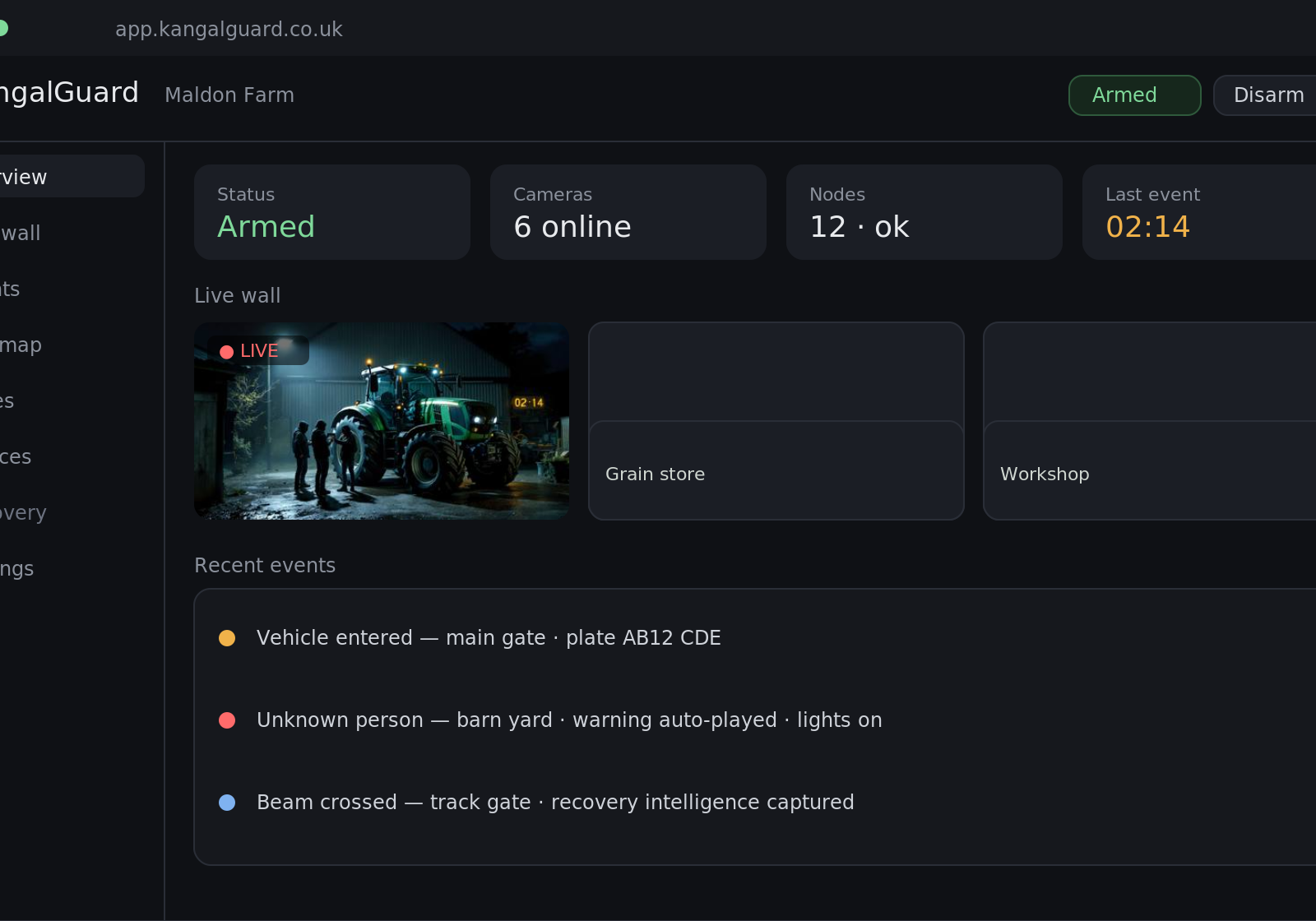
The best SIM for a 4G CCTV camera depends on network coverage at your location, data allowance, and upload speed requirements—not price alone. Most rural installations need a dedicated IoT or M2M SIM with strong 4G coverage verification, not a standard consumer contract. This guide explains what matters when choosing.
Why a standard mobile SIM often fails in rural CCTV installations
Consumer mobile SIMs are designed for smartphones, not continuous video upload. They prioritise voice and data speed during peak hours, which means your camera traffic gets deprioritised when the network is busy. For security systems, this creates blind spots at the moment you need footage most—dawn and dusk, when theft and trespass are commonest.
Rural networks also expose another weakness: standard SIMs switch between towers as signal fluctuates, causing reconnection delays. A 4G CCTV camera needs stable, continuous connection. If the SIM drops and reconnects, your footage timestamps become unreliable, and live monitoring breaks. On farms where property is spread across fields, signal variation is the norm, not the exception.
Cost-per-gigabyte on consumer contracts is also steep if you're streaming video continuously or storing footage in the cloud. A single camera at HD resolution can consume 500 MB to 1 GB per day depending on frame rate and compression. Consumer tariffs are built for occasional browsing, not perpetual data draw.
What makes an IoT or M2M SIM different for CCTV use
IoT and M2M (Machine-to-Machine) SIMs are engineered for devices that send data autonomously, without human intervention. They maintain stable connections even when signal is weak, prioritise consistent upload over download speed, and handle reconnection more gracefully than consumer SIMs. For a CCTV camera sitting in a barn or field shed, these characteristics are fundamental.
These SIMs also come with static IP addressing options, which means your camera maintains a consistent network identity. This matters for remote access: if you want to view live footage from your phone or office, a static IP removes the complexity of dynamic hostname lookup. Standard consumer SIMs rarely offer this.
Data pricing on M2M contracts is structured differently. Rather than a large monthly allowance you either use or lose, most offer pay-as-you-go or tiered monthly packages tuned to modest, predictable data consumption. For a camera uploading 1–2 GB per month, this is far more economical than a 20 GB consumer plan where you pay for unused capacity.
How to verify 4G coverage before committing to a SIM
Coverage maps published by UK networks are useful but imprecise at property level. They show broadbrush signal presence, not actual throughput in your specific field or outbuilding. Before installing a 4G camera, conduct a real-world test: visit the camera location with a mobile phone on the network you’re considering, run a speed test (such as Ookla Speedtest), and record the upload speed. A CCTV camera typically needs at least 1–2 Mbps upload to send usable video reliably.
Test at the time of day when you expect heaviest traffic. Rural networks often show good speed mid-morning but degrade during evening hours when neighbouring properties or farms are online. If your property is near a market town or large farm, this matters. A second test in the evening and early morning gives a realistic picture of what the camera will experience.
If signal is borderline, consider network diversity: some installations run two SIMs from different providers in the same camera (a dual-SIM device), so the camera switches to the stronger network automatically. This costs more upfront but eliminates the risk of total footage loss if one network fails. For high-value assets or livestock housing, this redundancy is often justified.
Upload speed, compression and data allowance: what you actually need
CCTV data consumption is driven by resolution, frame rate, and video codec compression. A camera recording at 1080p, 25 frames per second in H.264 format uses roughly 1 GB per day if motion-detection is off (recording continuously). If you enable motion-detection recording, which triggers only when movement is detected, data use drops to 200–500 MB per month depending on site activity.
Most rural security installations should start with motion-detection enabled and compression set to maximum. This keeps data consumption predictable and low. A SIM with a 3–5 GB monthly allowance is typically sufficient for one or two cameras. If you’re planning four or more cameras, or continuous 24/7 recording without motion triggers, negotiate a dedicated contract with your provider rather than relying on standard tiers.
Upload speed is more critical than total allowance. An upload rate of 2 Mbps can handle one full-HD camera reliably; below 1 Mbps, you’ll see lag and packet loss during peak hours. Check your speed test result again: if upload is consistently below 1 Mbps, that location may not be suitable for reliable 4G CCTV without investing in alternative connectivity, such as a fixed-line broadband boost or satellite uplink.
Comparing UK providers: what rural installers typically observe
The three national networks—EE, Vodafone, and O2—offer broadly similar rural coverage, but local variation is pronounced. EE tends to have denser tower distribution and stronger urban-fringe coverage; O2 often extends further into remote areas but with lower peak speeds; Vodafone occupies middle ground. Regional networks such as Three have thinner rural footprints and are rarely the best choice for remote CCTV unless coverage testing shows they’re unusually strong at your exact site.
For M2M SIMs, third-party providers (such as Verizon IoT, Telefónica-backed platforms, or UK mobile virtual network operators focused on IoT) often resell airtime from the big three networks. You’re still using Vodafone or EE infrastructure, but the third party handles billing and SIM management. This approach can offer better data pricing if you’re deploying multiple cameras, and their support staff understand CCTV needs better than consumer-focused networks.
No single provider is universally “best.” Your choice should follow coverage testing at your property, not national reputation. A phone conversation with your camera supplier or installer, sharing your speed test results, helps them recommend which networks they’ve had best results with in your county or region.
Installation checklist: moving from SIM choice to working CCTV
Once you’ve chosen a provider and SIM, configure the camera with the correct APN (Access Point Name) settings for that network. This is the bridge between the SIM and the internet. Each network supplies APN details; your camera manual or installer will show where to enter them. Incorrect APN is the single commonest cause of “SIM connected but no data” problems on rural sites.
Test the camera’s cloud upload or remote access before finalising the installation. Connect to live view from your phone or computer using the camera maker’s app or web portal. If lag exceeds 10–15 seconds or footage fails to save, don’t assume the SIM is faulty: check antenna position (external antennas perform better than internal ones in low-signal areas), router placement if you’re using a separate 4G router, and whether background data tasks (updates, cloud sync) are consuming bandwidth.
Keep spare SIMs from your chosen provider on site, particularly if you manage multiple properties. If a SIM fails or reaches its data limit unexpectedly, a swap takes minutes and restores service immediately. Document the camera’s phone number (the SIM’s number) and APN in your maintenance records for faster troubleshooting later.