
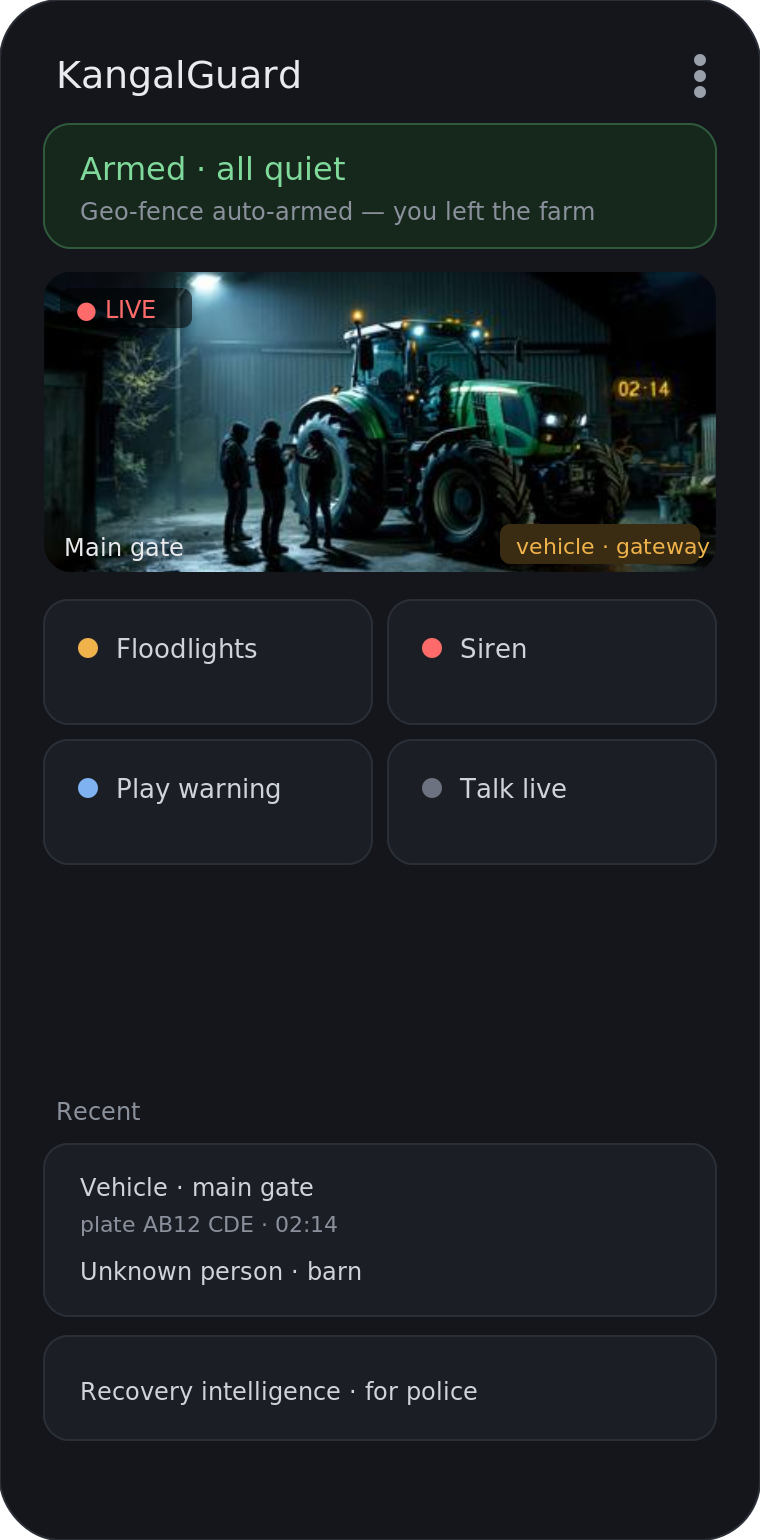
No. 4G cameras transmit footage over mobile networks and function without WiFi. They connect directly to a 4G signal, making them ideal for farms and remote buildings where broadband is unreliable or absent. WiFi becomes relevant only when you want additional features or backup connectivity.
How 4G cameras send footage without WiFi
A 4G camera contains a built-in mobile modem and SIM card. It captures video and transmits it directly to a cloud server or your phone app via the mobile network’s data connection. This happens independently of any WiFi router. The camera needs only a 4G signal strength at its location to function—the same way a mobile phone works when you’re away from home WiFi. For rural properties where fixed broadband is intermittent or unavailable, this self-contained connectivity is the primary reason to choose 4G over traditional IP cameras.
The mobile signal must be adequate at the camera’s position. Rural areas with poor 4G coverage will experience weaker performance, buffering, or dropped connections. You should check local signal strength (usually via Ofcom’s coverage checker or direct testing) before installation. Even a single bar of signal allows basic operation, though two or three bars provides more reliable streaming and faster response times.
When does WiFi become useful on a 4G system?
Although WiFi is not required, it acts as a valuable backup or enhancement in three practical scenarios. First, if your farm building has fixed broadband and a strong WiFi network, the camera can use WiFi as the primary connection instead of 4G—reducing your mobile data consumption if you have a limited SIM plan. Second, WiFi extends signal reach indoors; a camera in a barn or shed far from the external 4G antenna may receive better throughput through a local access point. Third, if you install multiple cameras, WiFi allows them to share data locally before sending summaries or alerts over 4G, reducing individual data usage and load on the mobile connection.
Some systems offer dual-connectivity, meaning the camera attempts to use WiFi first, then switches to 4G automatically if WiFi drops. This is particularly useful on larger estates where you have WiFi coverage in some zones but not others. However, this feature depends on the camera model and system design—not all 4G cameras support it. Your system integrator can advise whether your chosen equipment offers this capability.
Data usage and cost implications
4G cameras consume mobile data. A single camera streaming continuously at standard resolution (1080p) uses roughly 1–3 GB per day, depending on frame rate and compression. This matters if your SIM plan has a data cap. Most rural security systems do not stream constantly; instead, they record locally to the camera or a small hard drive and upload footage only when motion is detected or on a daily schedule. This approach reduces data usage to 100–500 MB per day. You should clarify with your installer whether the system uses continuous streaming, motion-triggered upload, or scheduled transfer.
SIM plans for security cameras are available from most UK mobile networks, typically ranging from basic 1 GB monthly allowances to unlimited data options. A rural property with two or three cameras using motion-triggered uploads will usually operate comfortably on a modest plan. Compare data requirements against plan costs when budgeting; sometimes a WiFi-capable camera with local recording backup proves more economical than heavy reliance on 4G alone.
4G coverage and signal strength matter more than WiFi
For a 4G camera to work reliably, your site must have usable mobile signal. Unlike broadband, which runs a fixed line to your property, 4G signal strength varies by location and can be blocked by terrain, buildings, or distance from the nearest mast. A site survey before installation is essential. This involves checking signal bars at the exact location where you plan to mount each camera, at different times of day (signal strength can fluctuate). If signal is borderline, an external antenna mounted high on a barn or pole can improve reception significantly.
If your rural location has genuinely poor or absent 4G coverage, a 4G camera system alone will not solve your security needs. In such cases, hybrid approaches work better: combine 4G cameras with robust local storage (SD cards or network-attached storage), so footage is always recorded on-site even if the mobile connection is down. This ensures you never lose video, and uploads happen when signal returns. Some regions are also beginning to see 5G availability; check future network rollout plans for your area.
Comparing 4G cameras to WiFi-only and wired systems
WiFi-only cameras require a strong local broadband connection and WiFi network. On a farm with unreliable or absent fixed internet, they simply will not work. Wired IP cameras need cabling runs from a central recorder to each camera, which is expensive and disruptive to install across a large property. 4G cameras avoid both these constraints: they work wherever there is mobile signal and require no cabling infrastructure. However, they depend on ongoing mobile data costs and fair usage limits imposed by your mobile provider.
The choice depends on your site conditions. If you have fast, stable broadband and good WiFi coverage, a WiFi system is usually cheaper and avoids data charges. If broadband is weak or intermittent, 4G is more reliable. If you have neither, a hybrid system—4G cameras with local backup storage—gives you independence from external connectivity while still allowing remote viewing when signal is available. Your installer should assess your specific situation and recommend the approach that balances cost, reliability and coverage for your property.
Key questions to ask before choosing a 4G camera
Before committing to 4G, establish three things. First, check actual 4G signal strength at each camera location using a mobile signal tester or by standing on-site with a phone from your chosen network. Second, clarify whether the system uses continuous streaming, motion-triggered uploads, or scheduled recording, and calculate realistic monthly data usage. Third, confirm whether the camera model supports WiFi as a backup, and whether it includes local recording options if your mobile connection drops. These details determine whether 4G is the right fit or whether a hybrid approach is wiser.
Ask your installer whether the SIM plan includes fair usage throttling (where speeds drop after a set data limit) or hard caps where service stops. Some providers offer security-focused plans with higher data allowances at predictable rates. Finally, understand the warranty and support model for the mobile connectivity itself—if the SIM provider deprioritises your network in congested areas, your system may experience slowdowns during peak times. A good integrator will have tested these real-world scenarios on similar rural properties.