
Most farm CCTV cameras with SIM cards have a slot on the side or back of the unit, often behind a small access panel. You insert the SIM card (the same size as a phone SIM) into the slot with the gold contacts facing down, then close the panel. The camera connects to the mobile network automatically once powered on and the SIM is registered. Unlike broadband-dependent systems, a SIM card camera works in the rural dead zones where gangs operate at night and standard alarms fail.
Where to find the SIM slot on your farm camera
The SIM card slot is usually on the back or side of the camera body, beneath a removable panel or cover. Check your camera’s quick-start guide or look for a small rectangular door marked SIM or SD. Some models keep the slot tucked under the mounting bracket, so you may need to angle the camera to see it. The panel clips or screws into place and takes seconds to open. If you cannot locate the slot, the model documentation will show its exact position; the slot is never inside the lens housing or sealed against water ingress.
Preparing and inserting the SIM card correctly
Before inserting the SIM, check that your mobile provider has activated it for data and that the plan covers the farm location. The card slides in with the gold contact strip facing downward and toward the camera’s circuit board. Push it gently until you hear or feel a click; the camera holds it in place automatically. Do not force the card or insert it at an angle, as this damages both the SIM and the slot. Once inserted, close the access panel fully so water and dust cannot enter.
What you lose when the SIM is not set up right
A poorly inserted SIM or one that is not activated leaves you without any connection to the camera. You cannot receive alerts when someone enters the farmyard, and you have no live feed on your phone if an incident is happening now. The footage records to the camera’s local storage, but you cannot retrieve it until you visit the site, by which time the lead is cold and the police have no immediate intelligence. A loose or incorrectly seated SIM can fail silently, so you believe the camera is working when it is not. By the time you discover the fault, weeks of unmonitored footage have already cost you.
How a properly connected SIM camera turns the job around
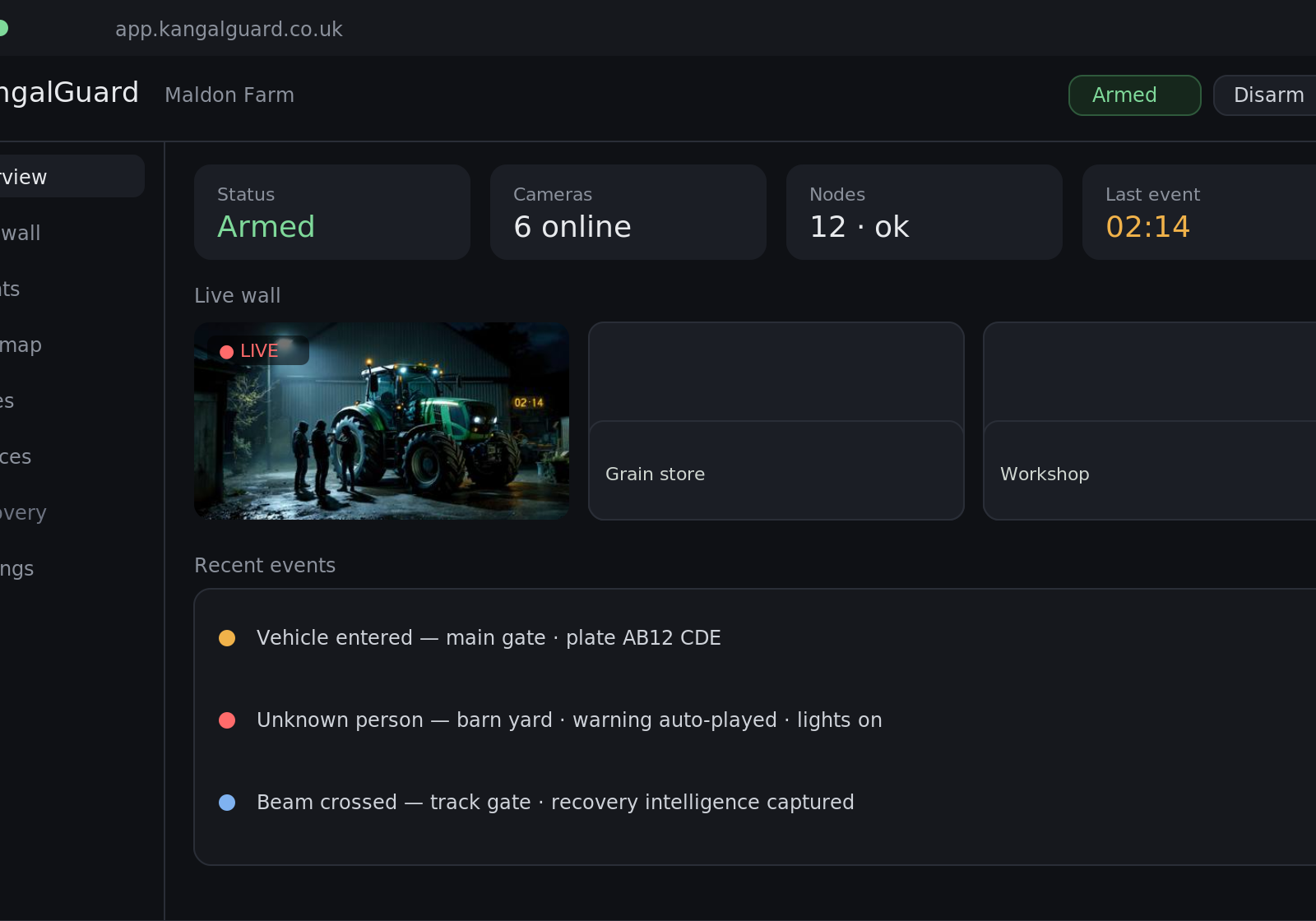
Once the SIM is correctly inserted and the camera is powered on, the mobile network connection activates within a few minutes. The camera sends alerts to your phone the moment it detects motion, including a thumbnail or short video clip so you can see who is at the gate. If an intruder enters the yard, you have real-time identification and a recovery lead that the police can act on immediately, instead of discovering the loss hours later. KangalGuard farm cameras use this SIM connection to identify intruders at the perimeter and turn the incident into intelligence the police can use, without the need for a broadband connection or a monthly monitoring contract.
Testing the connection and troubleshooting a failed SIM
Once the camera powers on, check the status light or app to confirm the mobile connection is active. Most farm cameras show a solid indicator when the SIM is recognised and the network is locked. If the connection does not establish, remove the SIM, check that it is not bent or marked, and reinsert it firmly. Restart the camera and wait three to five minutes for the network to register. If the problem persists, contact your mobile provider to confirm the SIM is activated on a plan that includes data in your area. A SIM from a network with poor coverage at the farm location will not connect reliably, so check coverage maps beforehand.
Why off-grid SIM cameras matter for farms that cannot wait for broadband
Many rural farms sit beyond the reach of fixed-line broadband, making standard monitored systems impossible to install. A SIM card camera solves this by using the mobile network that already covers most farmyards. You own the system outright, pay only for the SIM data plan, and keep the footage and alerts without a monitoring contract or cloud lock-in. When organised gangs target livestock and high-value equipment at night, a SIM camera that sends alerts in real time gives you and the police the lead needed to make arrests and recover stolen goods.